


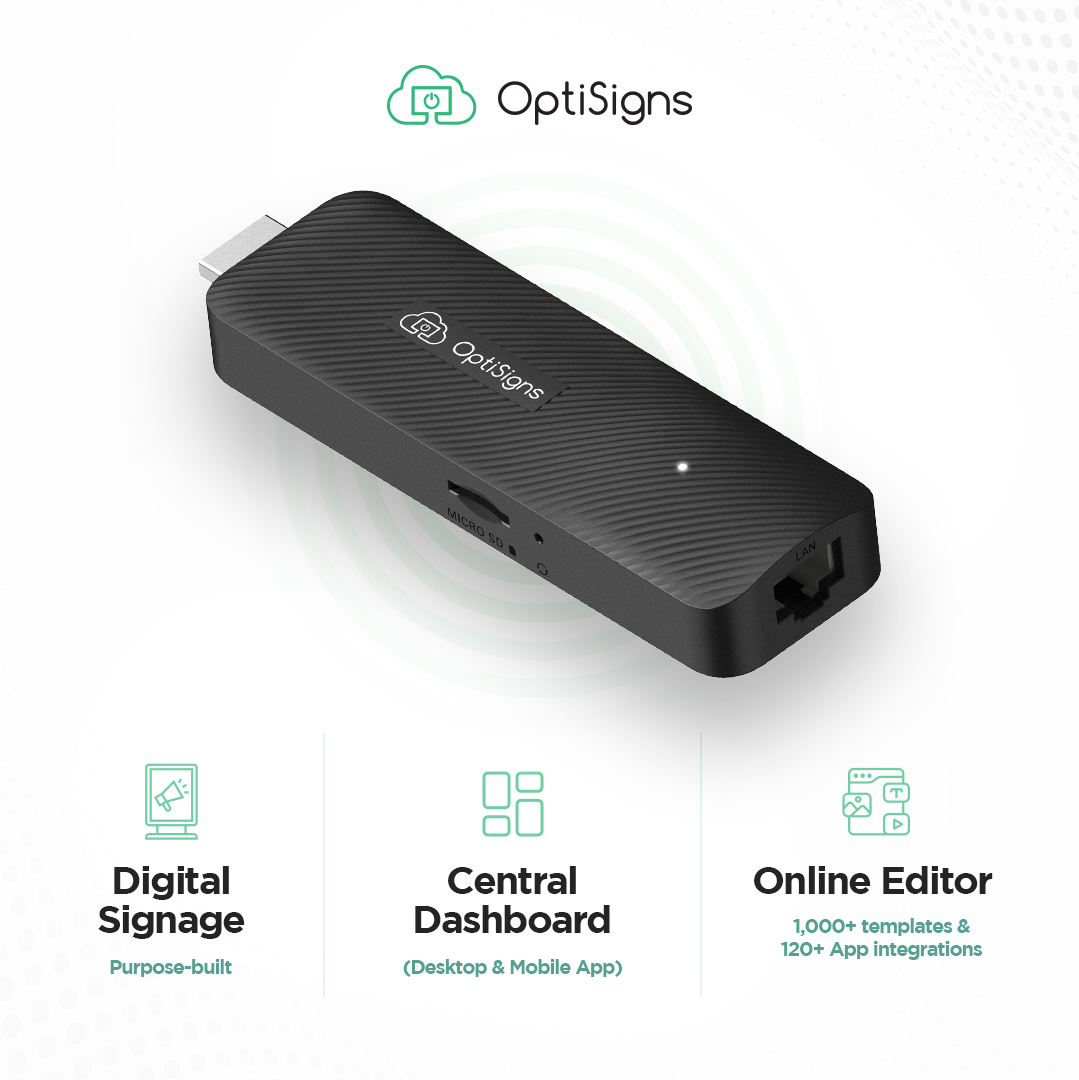


The Plug-and-Play Solution Trusted by 38,000+ Customers Worldwide
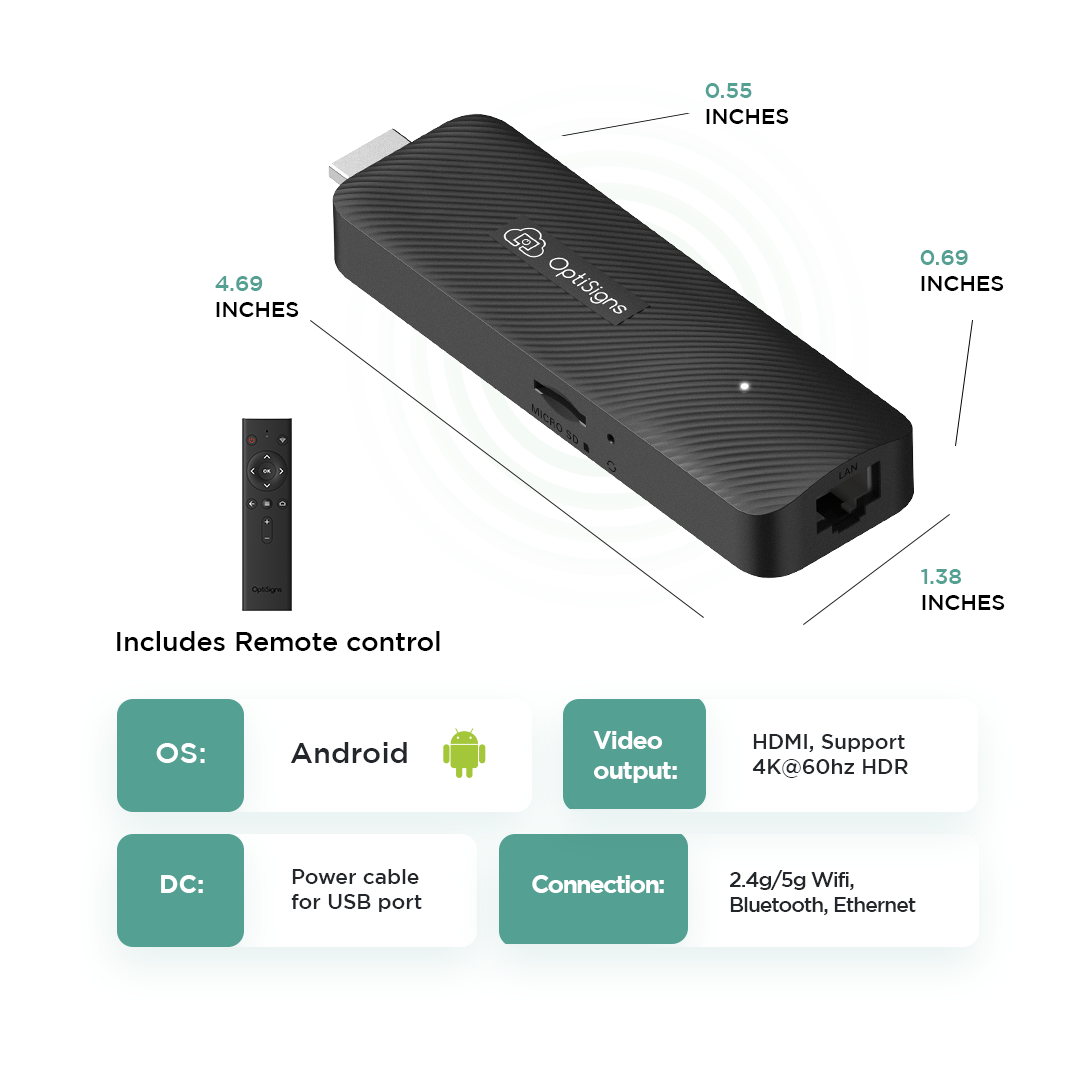
- Compact stick design fits behind most TVs. No mounting required
- 4K UHD playback with 16GB storage
- Dual-band Wi-Fi (2.4GHz and 5GHz) plus Ethernet
- Fanless, silent operation
- Built on Android 14 (AOSP) for dedicated digital signage
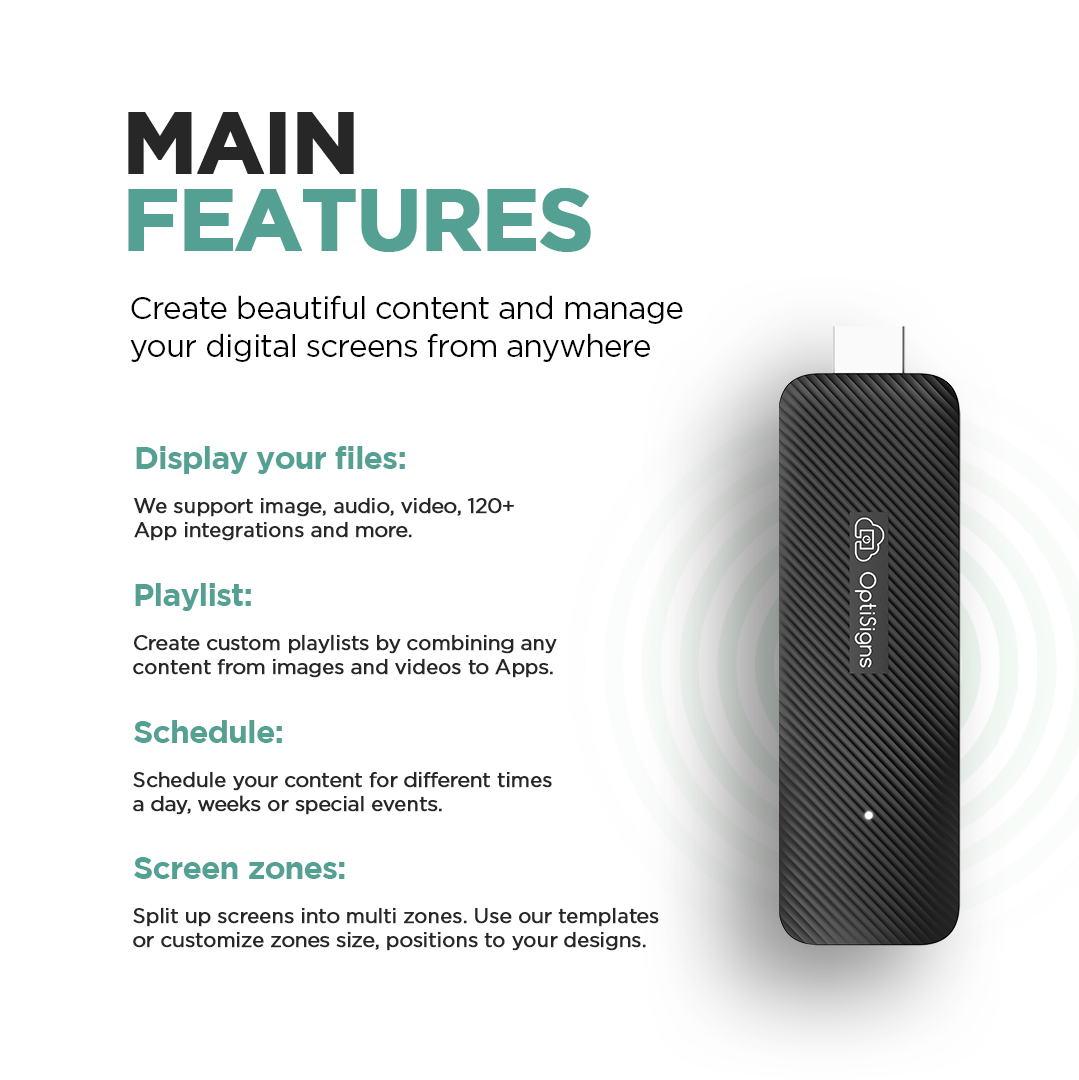
- Supports multi-zone split screen (up to 4 zones recommended)
- Subscription required. Free plan supports up to 3 screens with OptiSigns branding
- Sold in the U.S. For Canada, U.K., and EU, see where to buy
Key Features

Plug And Play
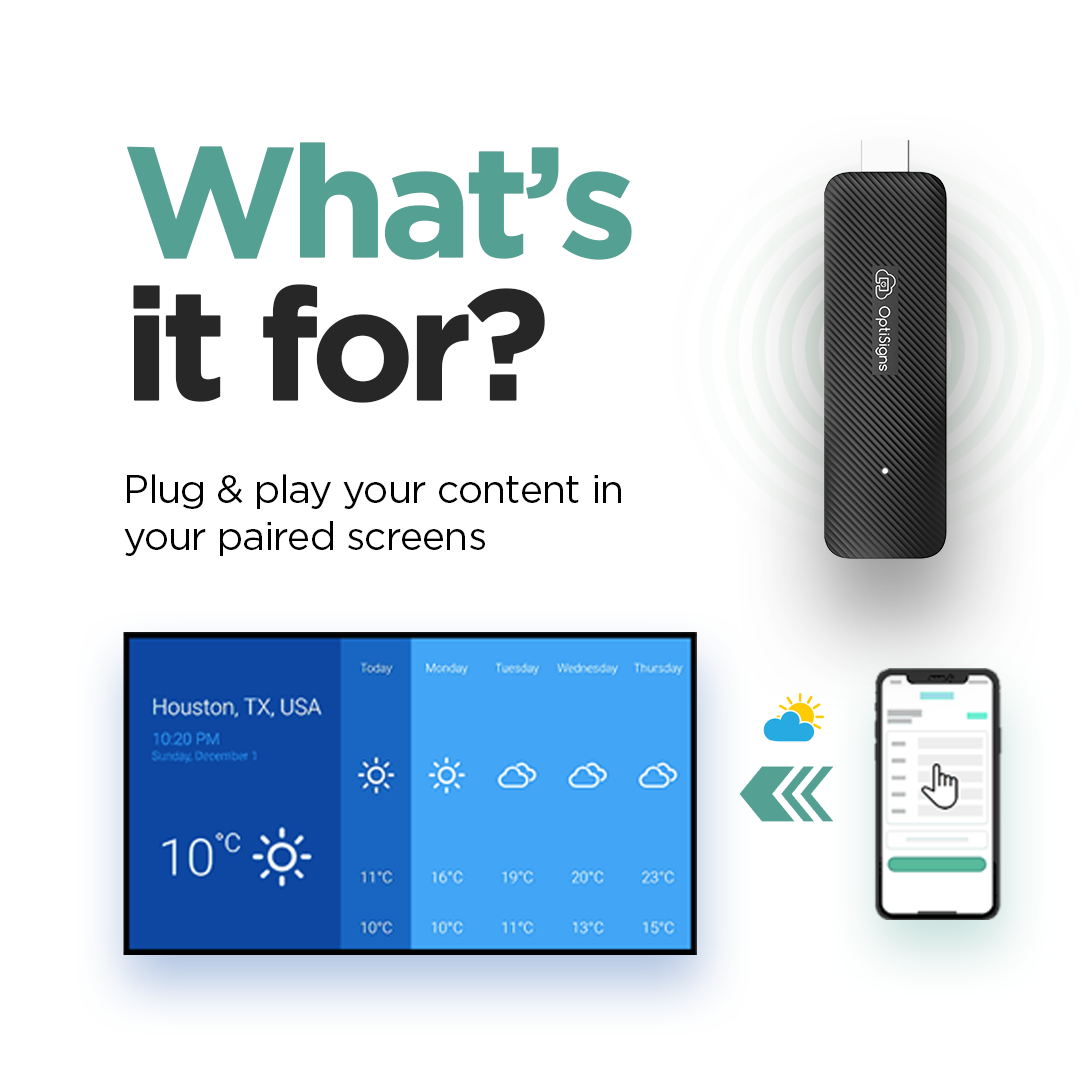
Easily setup your digital signage player in minutes with plug-and-play convenience

4K Video Playback
Supports smooth 4K video, perfect for showcasing high-quality digital signage content

Powerful Performance
Quad-core processor with dual-band Wi-Fi, Ethernet, and 16GB storage for reliable performance.
Product Details
A compact, powerful digital signage player designed for fast setup and reliable 4K playback.

What Can It Do?


Optimize Your Screens With Our Useful Features


Explore other OptiSigns players
Compare options at a glance and choose the player that fits your deployment.


Frequently Asked Questions About OptiSigns
What makes OptiSigns different from other digital signage devices?
Unlike basic media players, OptiSigns is a full-featured digital signage platform. It offers 100+ integrations (like Canva, Google Drive, Power BI), remote screen control, user management, and content scheduling — built for serious business needs.
How does OptiSigns work, and what can I do with it?
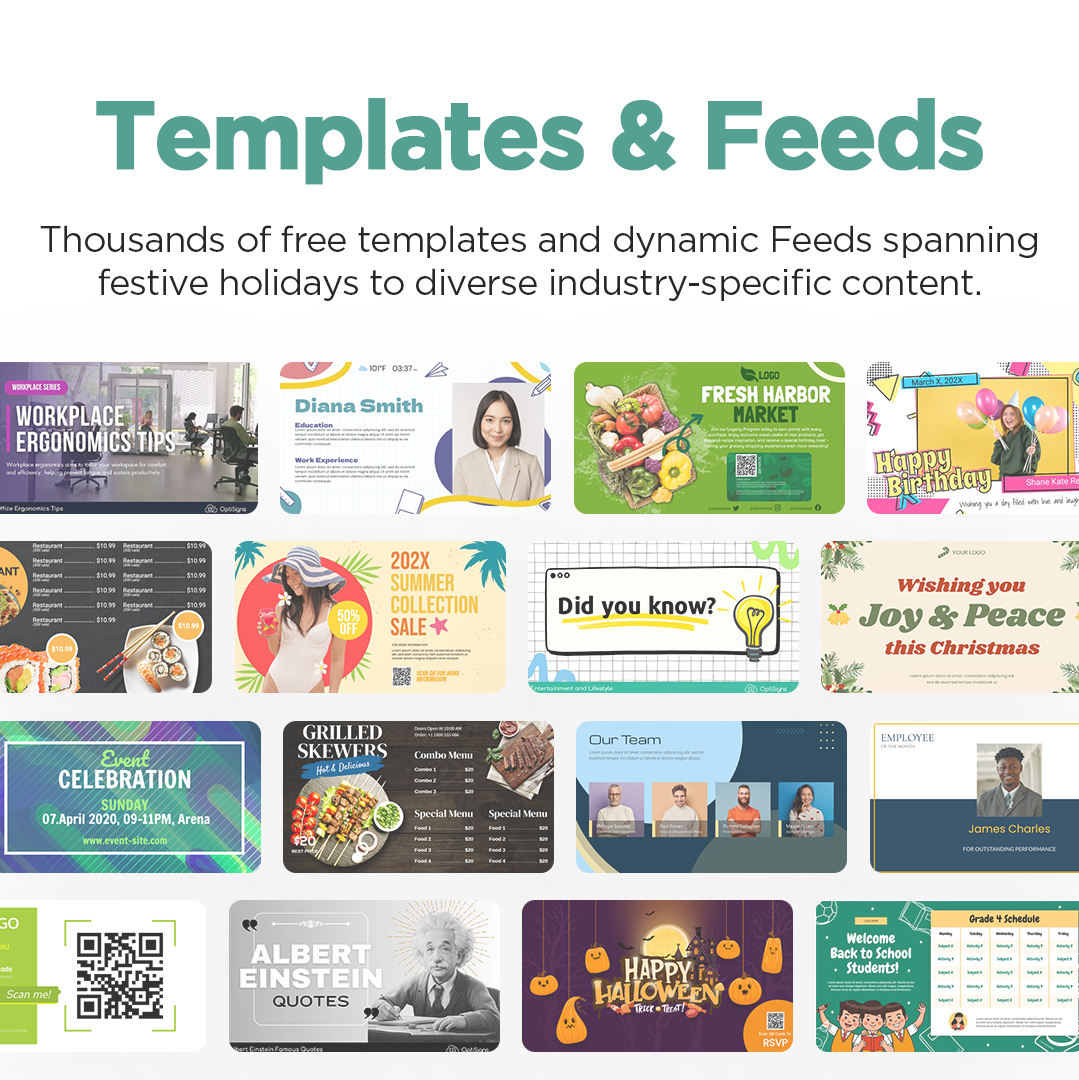
The OptiStick turns any HDMI screen into a professional digital sign. After setup, simply push content to your screens using our cloud-based dashboard — no subscription required to begin. Create content from scratch using our editor, or choose from hundreds of customizable templates. Whether you're displaying menus, dashboards, or announcements, OptiSigns gives you full control to deliver dynamic content across one screen or many.
Do I need a subscription to use it?
No subscription is required to get started. Our free plan supports up to 3 screens with OptiSigns branding. Upgrade anytime to unlock premium features like advanced scheduling, remote management, team access, and more.
Is it easy to set up?
Absolutely. The OptiSigns player is plug-and-play — just connect it to your screen, power it up, and log into your OptiSigns account. Most users are up and running in minutes.
Who uses OptiSigns?
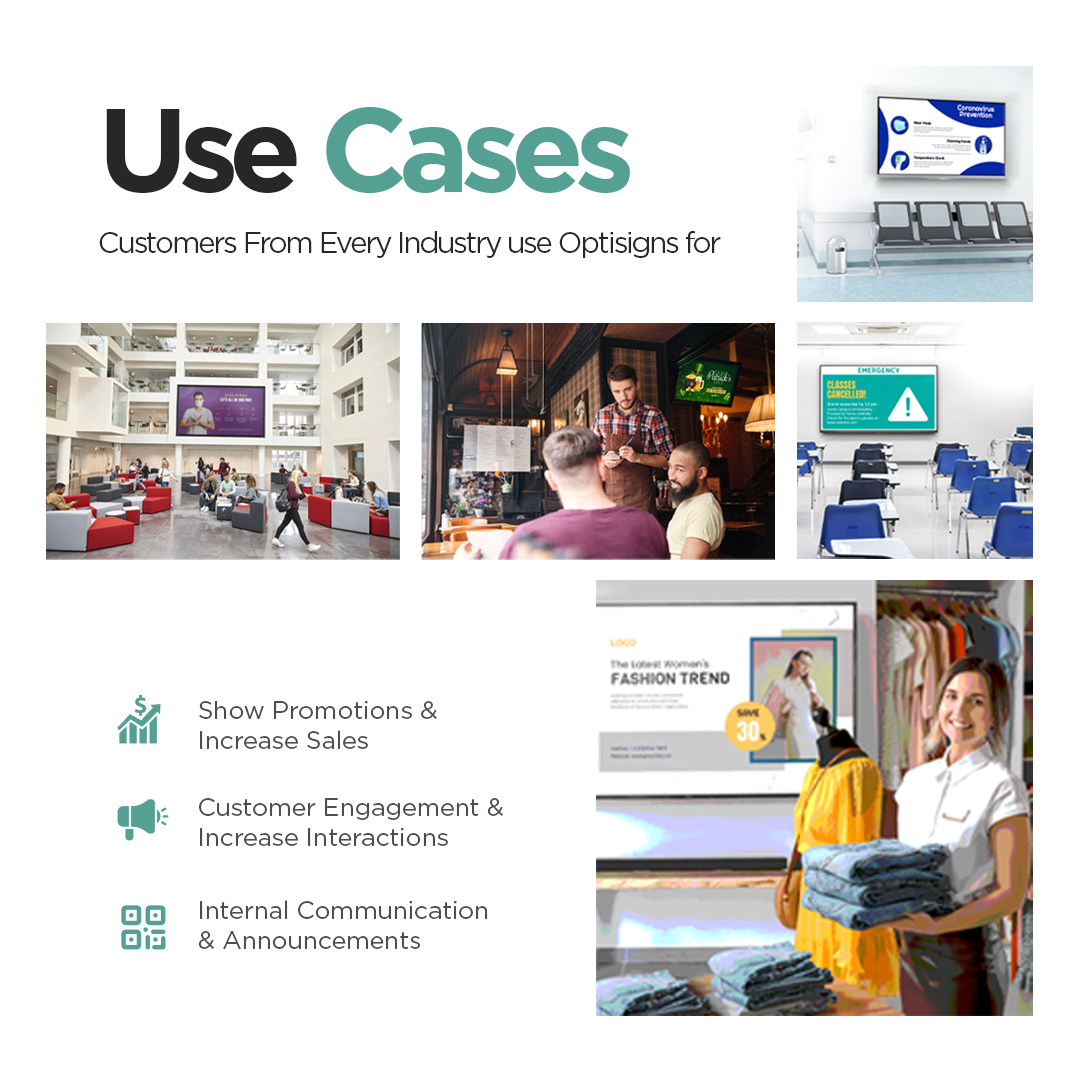
Trusted by over 25,000 companies — from restaurants and retailers to schools, offices, warehouses, government, and more. Whether you're running one screen or managing a national signage network, OptiSigns scales with you.
What types of content can I display?
You can show everything from images, videos, menus, and announcements to dashboards, social media feeds, live news, and YouTube. OptiSigns supports 100+ content types and integrations, and it’s not just for static slides — you can display real-time, dynamically updated content that changes automatically based on schedules, data feeds, or user input. Perfect for digital menus, dashboards, event boards, alerts, and more.
What apps and features does OptiSigns support?
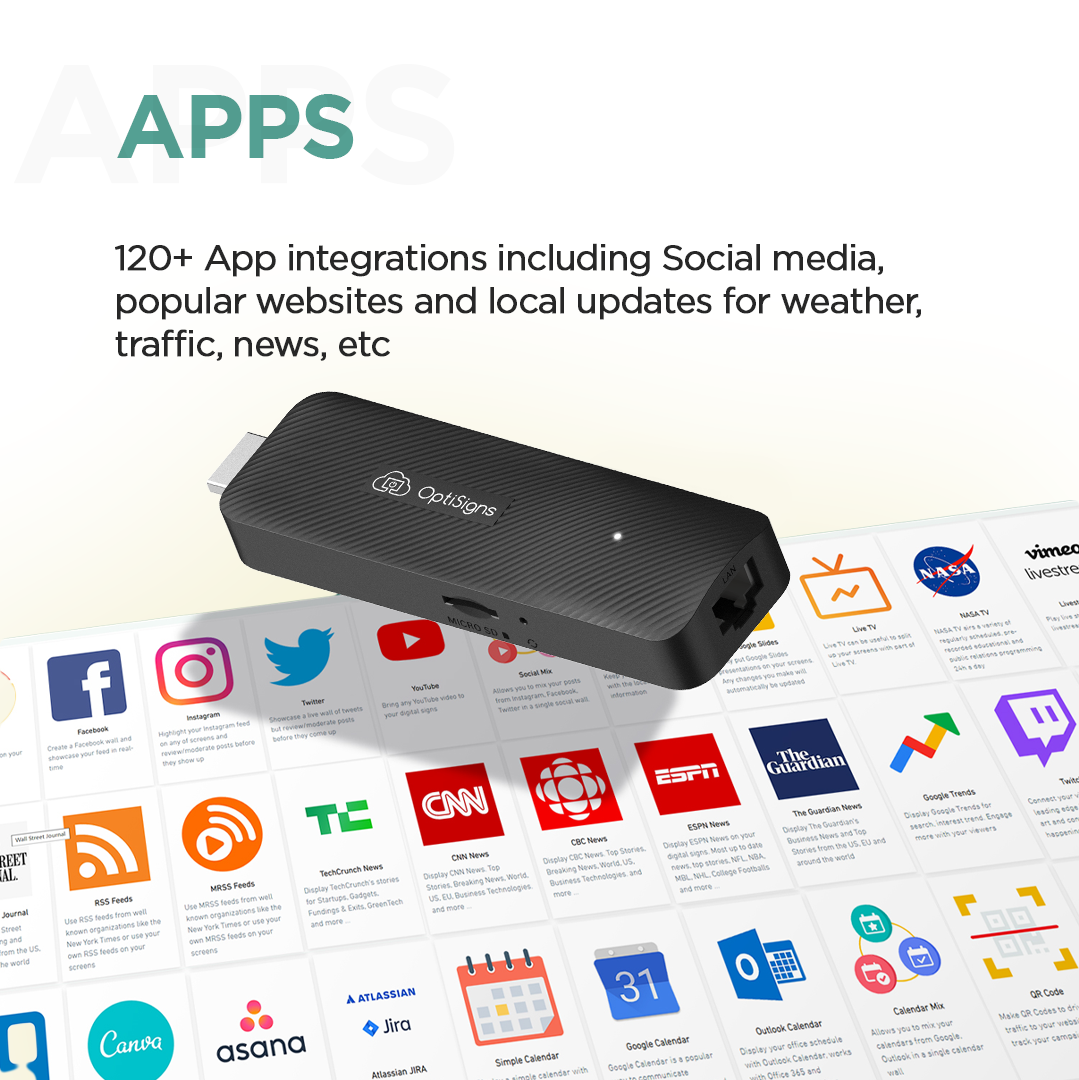
OptiSigns integrates with 100+ apps, including Google Workspace, Microsoft 365, Canva, YouTube, social media feeds, Tableau, and more. You can design content using our built-in editor, split screens to show multiple types of content at once, manage screens remotely, automate real-time content with data feeds and APIs, control playback timing and schedules — and much more. These powerful features are just part of what makes OptiSigns a flexible, all-in-one platform for dynamic, data-driven signage.
Can I manage multiple screens remotely?
Yes — manage all your screens from any device using our cloud-based software. Group screens by location, assign content, monitor uptime, and push alerts in real time.
Does it support 4K resolution?
Yes, the OptiStick Digital Signage Player supports up to 4K output, delivering crisp, professional visuals on compatible displays.
How is OptiSigns priced?
Our pricing is based on a per screen basis. For example, if you have one TV? That is one screen. Choose to pay monthly or annually! All of our packages can be found on our pricing page located here .